
EKAM members: Tracker
‘Tracker’ is our training and calendar tool, so it’s central to the club. When you sign up as an Associate you need to set up your Tracker account following the instructions below. You will receive your ride reports from your observer here so you can keep track of your progress. This is also the place where you will find all of our events and group rides listed which you can sign up for. In the Tracker library you can find important documents that members have access to.
To join EKAM, renew your EKAM membership or access Tracker, click the appropriate button below.
How to use Tracker
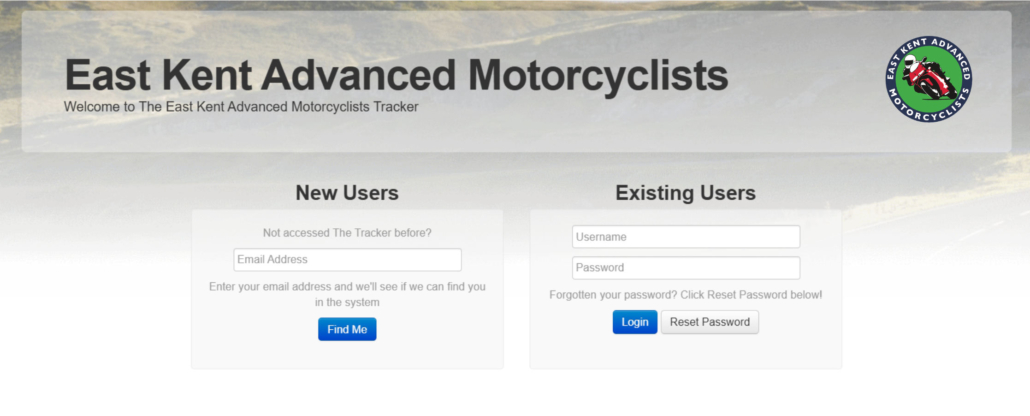
Tracker – logging in
To login for the first time, just click here head to Tracker, and under ‘New users’, enter the email address you use to receive all EKAM communications, then click ‘Find me’. That will then email you a link to set a password as well as give you your username (usually your first and last name with a dot in the middle – eg, john.smith). After that you should be in!
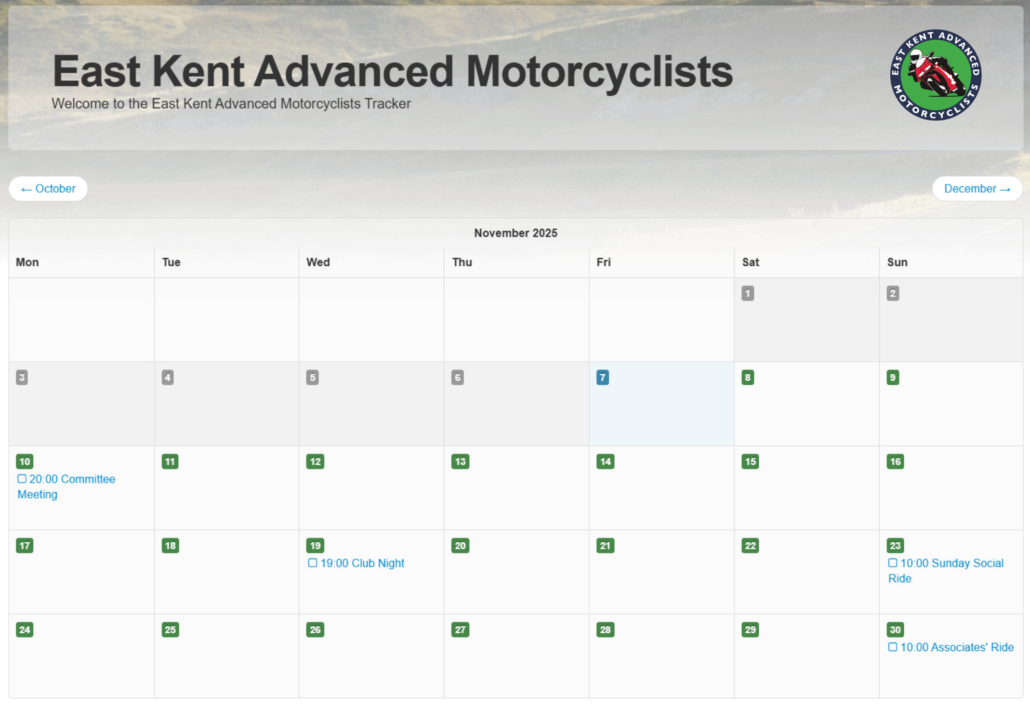
Calendar
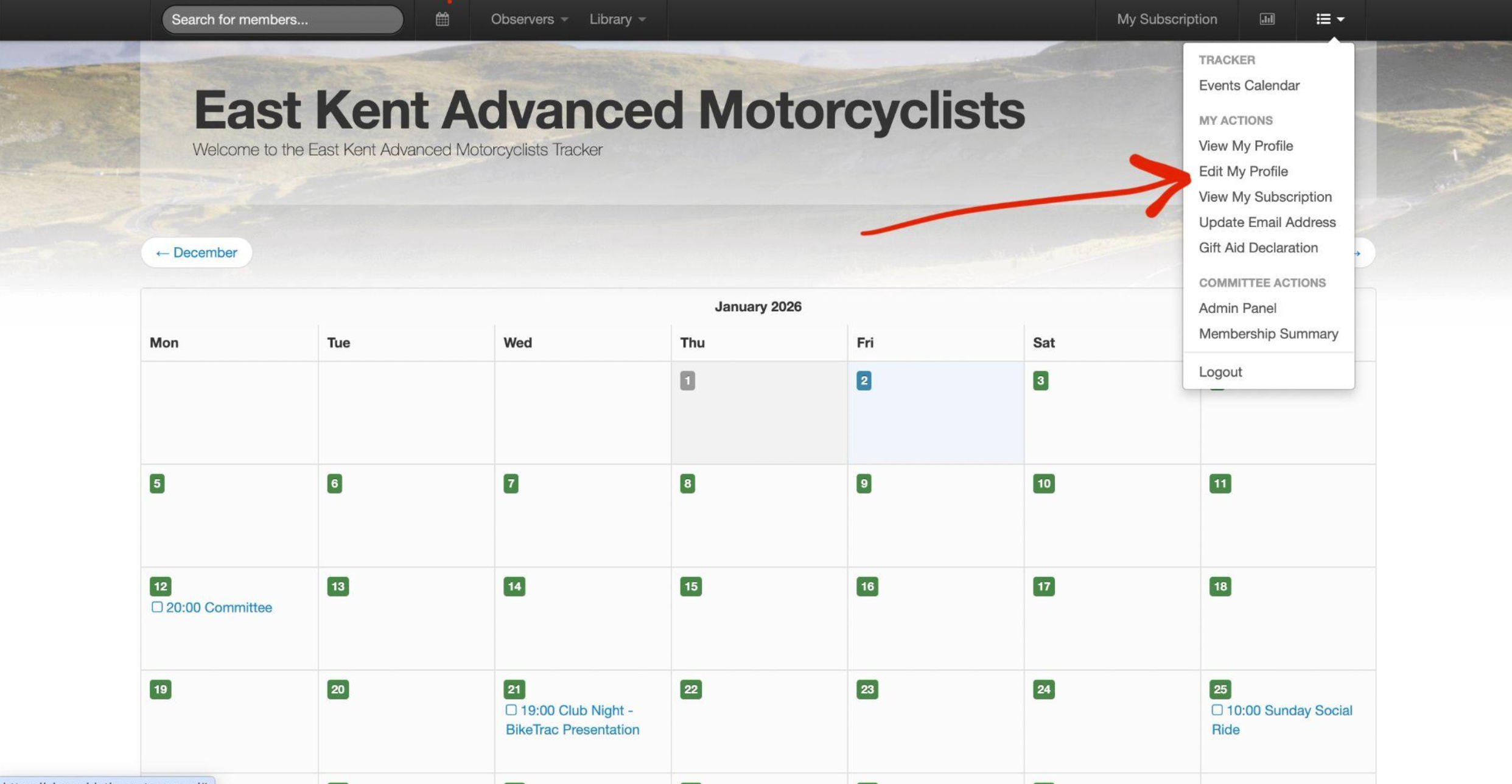
Once logged in, the first page you are taken to is the calendar where you can view future events, and get more detail by clicking into them.
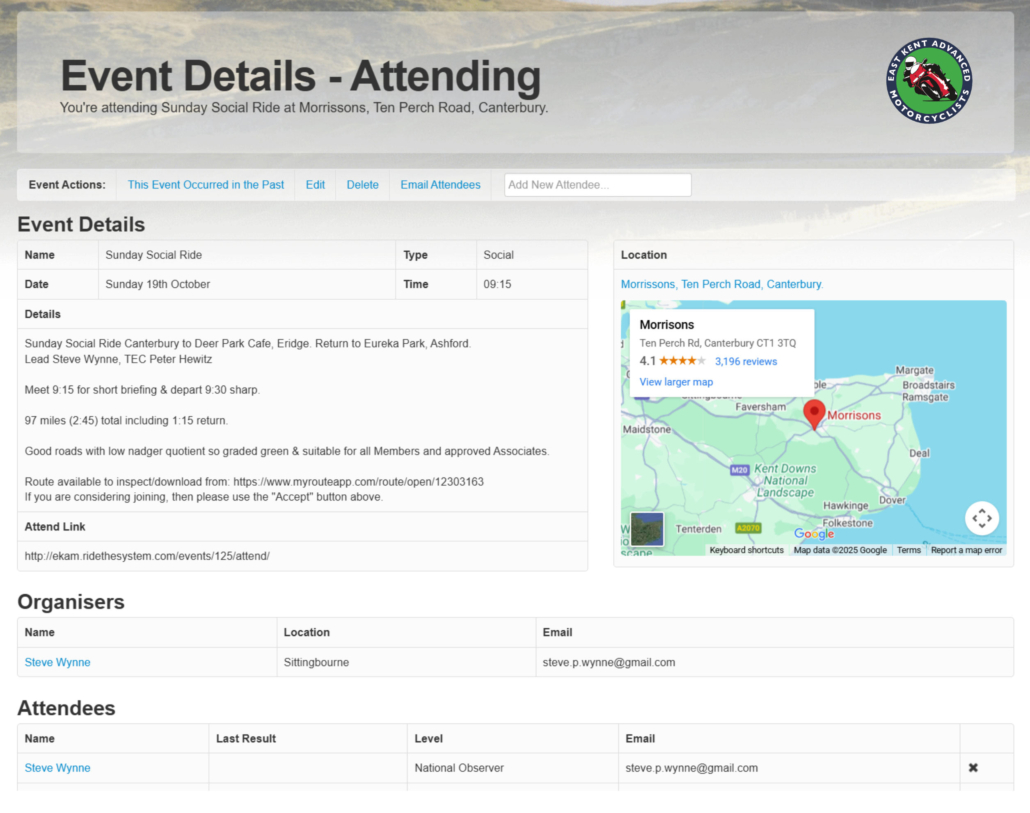
Events
Each event has location details, start time, a description of the event, organiser details and a list of who is currently planning to attend.
You can click to confirm you’re attending (and also cancel attendance at any time if your plans change)
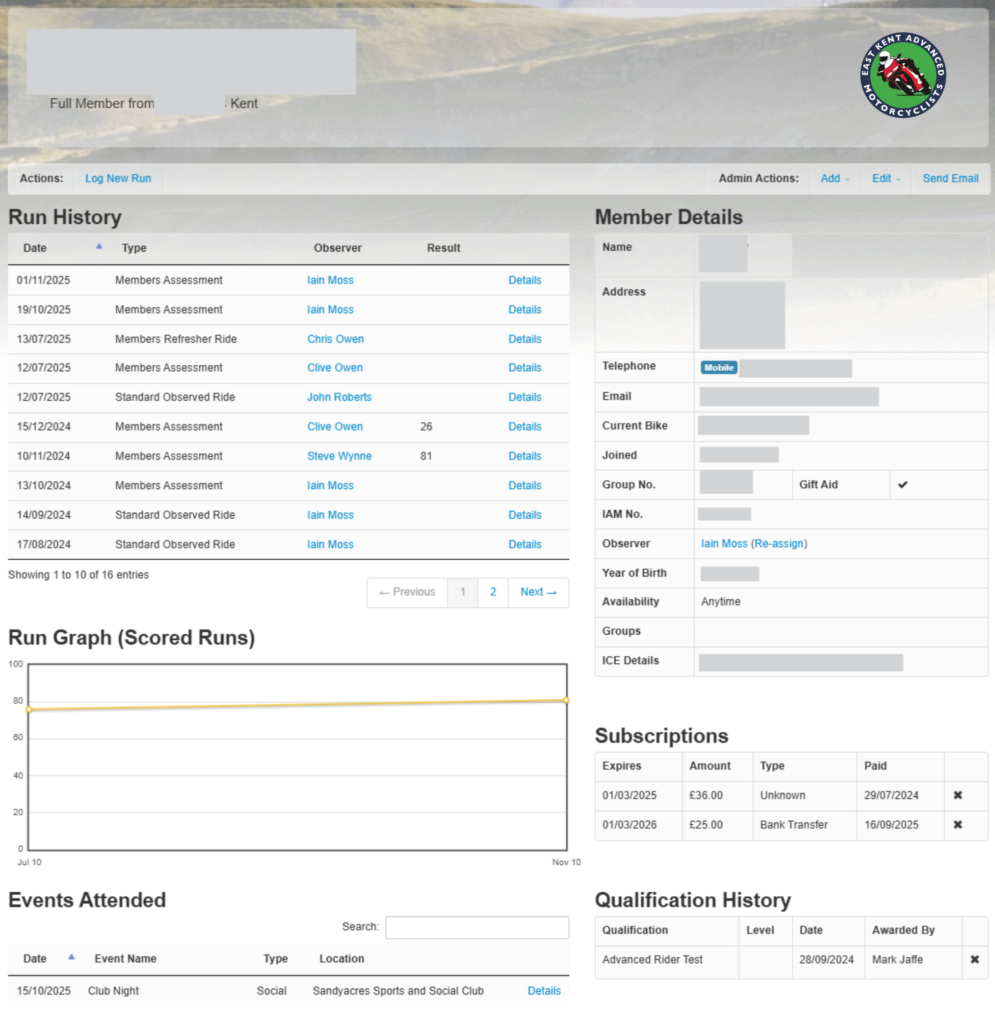
Your Tracker profile
Every member has access to their own profile page. It contains your address, contact details as well as Emergency Contact Details – it is essential you complete your emergency contact details. You should ensure your details are kept up to date. Your data is private and full details are only accessible to key EKAM committee members. Your observed rides run history will be recorded on Tracker, allowing you to build a history of your Advanced Riding journey.
Your qualification dates are recorded on Tracker as well – from Advanced Rider Test pass date, to Masters qualification.
Editing your profile
Clicking on the menu tab on the top right allows you to view your profile where all your run information is stored, as well as contact details and so on.
If you are having problems logging in or need advice on how to edit your details, click here to email the Chief Observer for further help.
Thank you to our supporters
The following organisations support EKAM through donation, sponsoring or advertising. Please have a look at what they offer.


